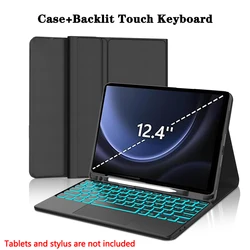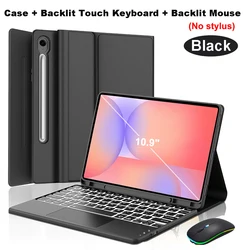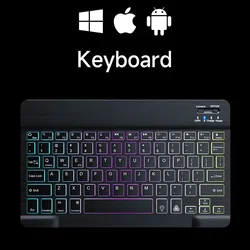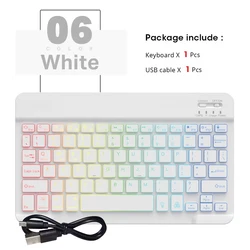


Introducing the Ultimate Protective Case for Your iPad Air
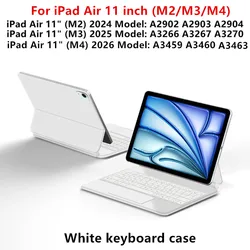
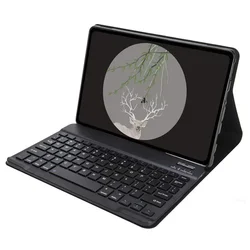
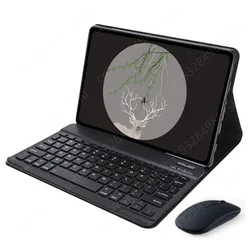
✨ Designed specifically for the iPad Air models, including the 4th Gen (2020), 5th Gen (2022), and the latest M2 (2024) and M3 (2025) versions, this sleek and stylish case features an innovative Bluetooth keyboard cover that enhances your device’s functionality while offering unparalleled protection.
The case is compatible with the following iPad Air models:
Keyboard Options:
🔧 Choose between an English-only keyboard and a multilingual version that features both English letters and additional engraved language characters. Tailor your experience to match your language preference by confirming your keyboard selection before making a purchase.
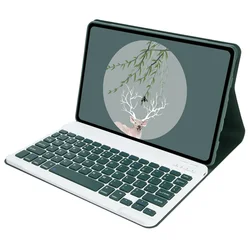
✨ Stylish Color Selection:
The case is available in various colors, all displayed in the first image of each color variation. This ensures that you see an accurate representation of the color combination you'll receive, allowing you to choose a style that suits your taste.
⚡ Important Notes:
🔧 Please be aware that the digital tablet and stylus are not included in the package. The descriptions provided are for reference purposes only; the actual product may slightly vary in color and features. Always refer to the actual product for confirmation.
🔵 Seamless Bluetooth Connections:
🔵 Connecting the Bluetooth keyboard and mouse to your iPad is a breeze:
🔵 Frequently Asked Questions:
🧰 Have questions about the setup? Here are some common queries:
🔘 How do I connect the mouse for the first time? Press the left button, right button, and scroll wheel simultaneously for 3-5 seconds.
🔵 Is the scroll direction the same for USB and Bluetooth connections? No, they differ; ensure to check the settings based on your connection type.
How do I switch between operating systems? Use Fn+Q for Android, Fn+W for Windows, and Fn+E for iOS. Remember to switch systems before connecting your tablet.
🧰 What if the keyboard letters appear jumbled? Verify your device's keyboard language setting is correct, and reset the keyboard if necessary.
🧰 How do I configure different language inputs? Access the system settings on your tablet and add a new keyboard as necessary.
🧰 How can I change the scroll wheel direction of the mouse? Adjust the settings under "General" - "Trackpad & Mouse" to close "Natural Scrolling."
💍 Upgrade your iPad Air experience with this exceptional case and keyboard cover, bringing together protection, styling, and functionality in one comprehensive solution.
Als dit artikel na de bij het afrekenen vermelde leverdatum arriveert, ontvangt u per e-mail een tegoedbon ter waarde van €6,00 die u bij uw volgende bestelling kunt gebruiken.